Editing · 5 MIN READ
The cutout is only the beginning
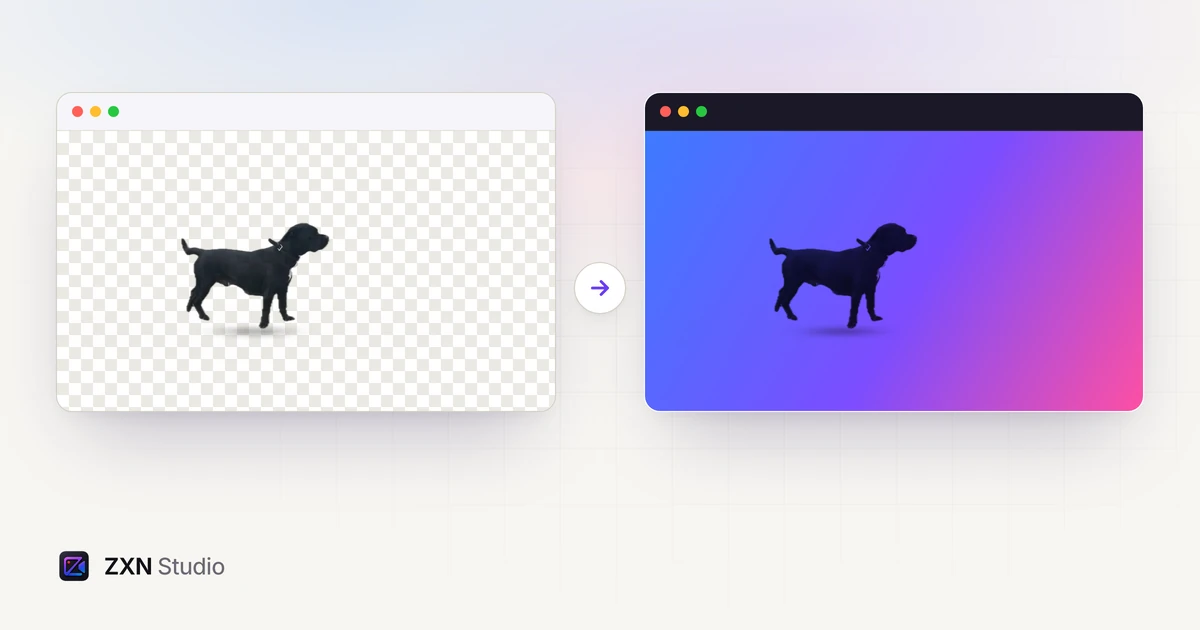
A clean edge is only one part of a good cutout. Review subject choice, motion, lighting, scale and the exported composition before publishing.
Read more ZXN Studio
Trim the timeline, remove a background without a green screen, put text behind a person, add titles and motion, and export a file you have checked.
A clean edge is only one part of a good cutout. Review subject choice, motion, lighting, scale and the exported composition before publishing.
Read more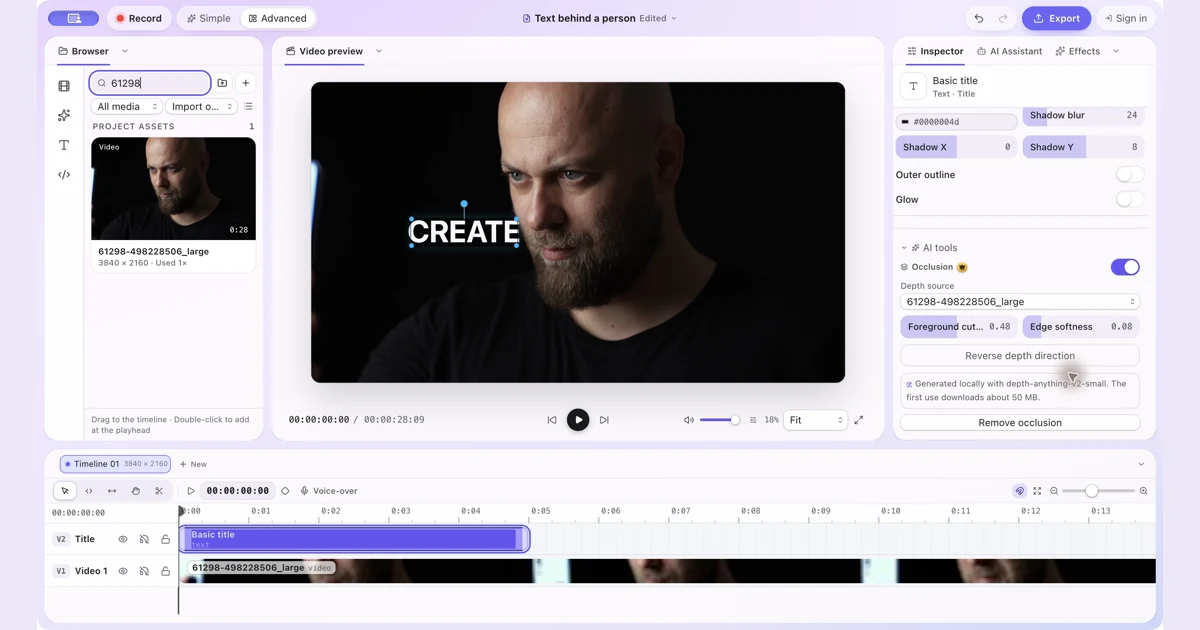
Put text and other visual items behind a person with manual occlusion in ZXN Studio. Follow the layer setup and refine the depth boundary.
Read more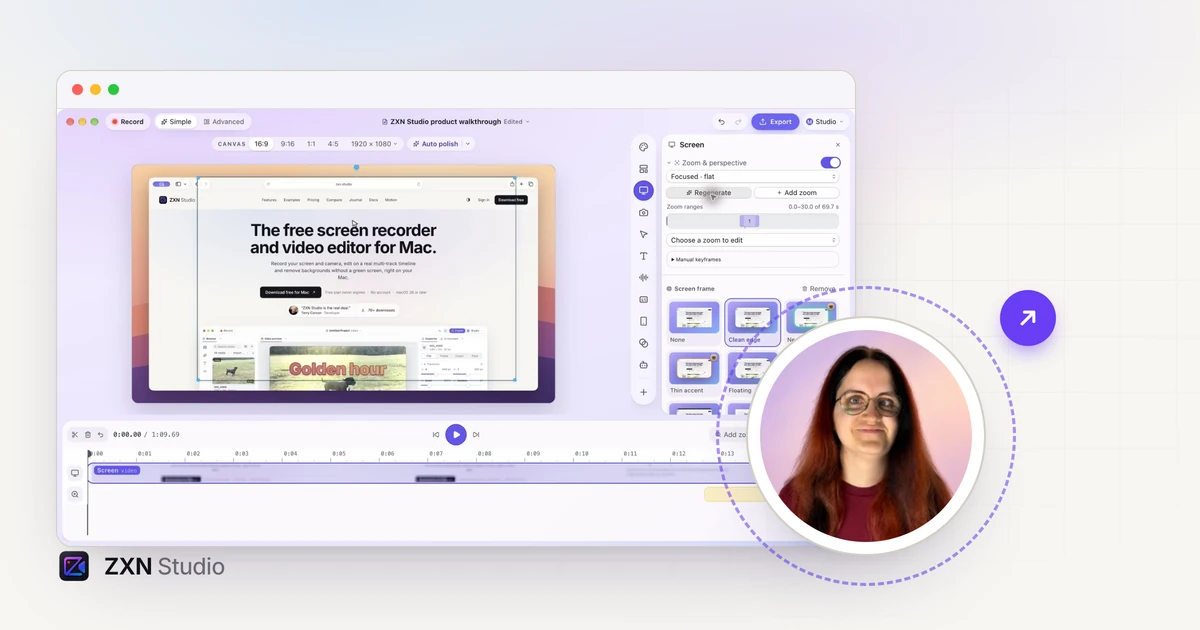
Let your presenter extend beyond a camera frame in ZXN Studio. Learn how Pop out, subject cutouts, headroom and shadow work together.
Read more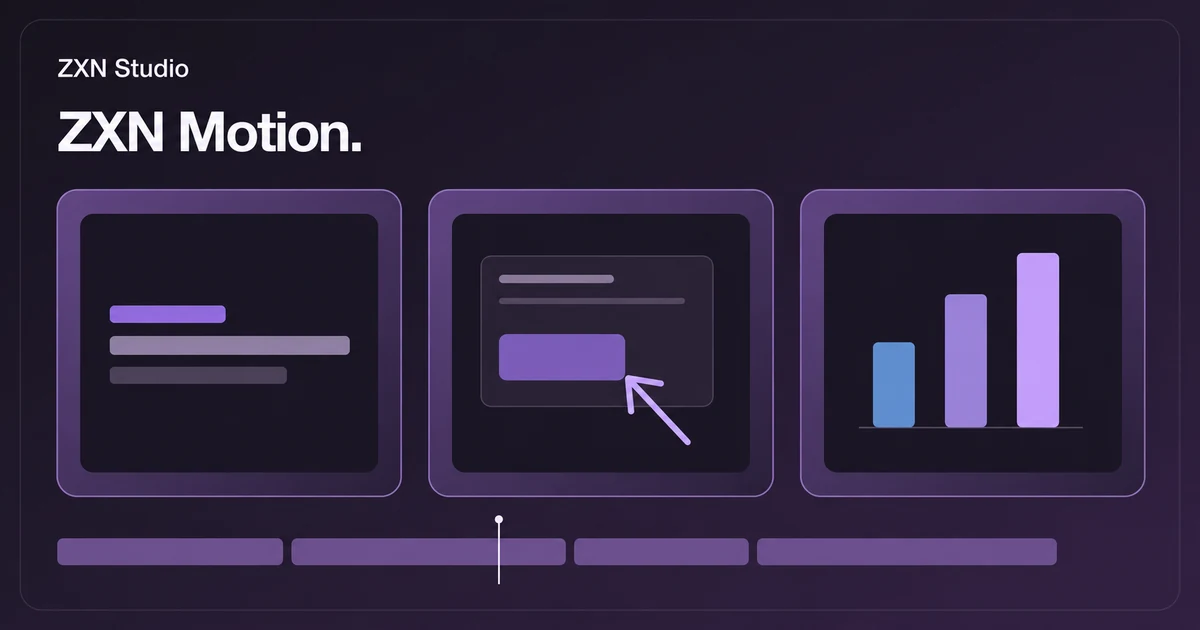
Find editable titles, lower thirds, callouts and charts in the ZXN Motion library. Choose graphics that make tutorials and product demos easier to follow.
Read more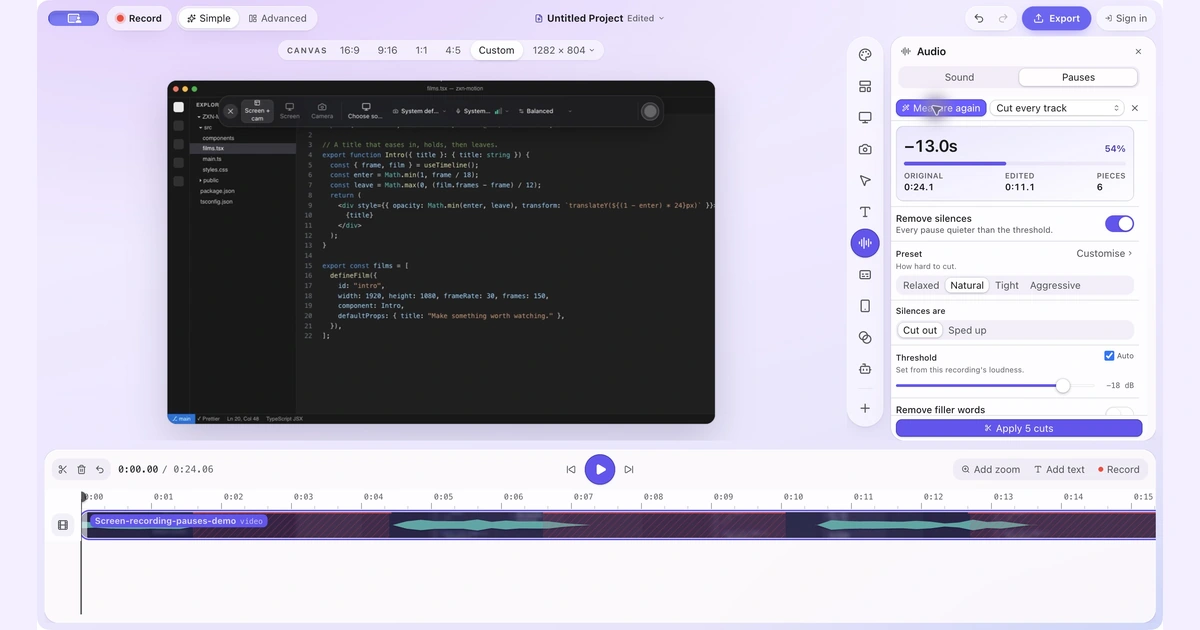
Find quiet gaps, keep useful thinking time and shorten a screen recording without cutting off words or losing sync.
Read more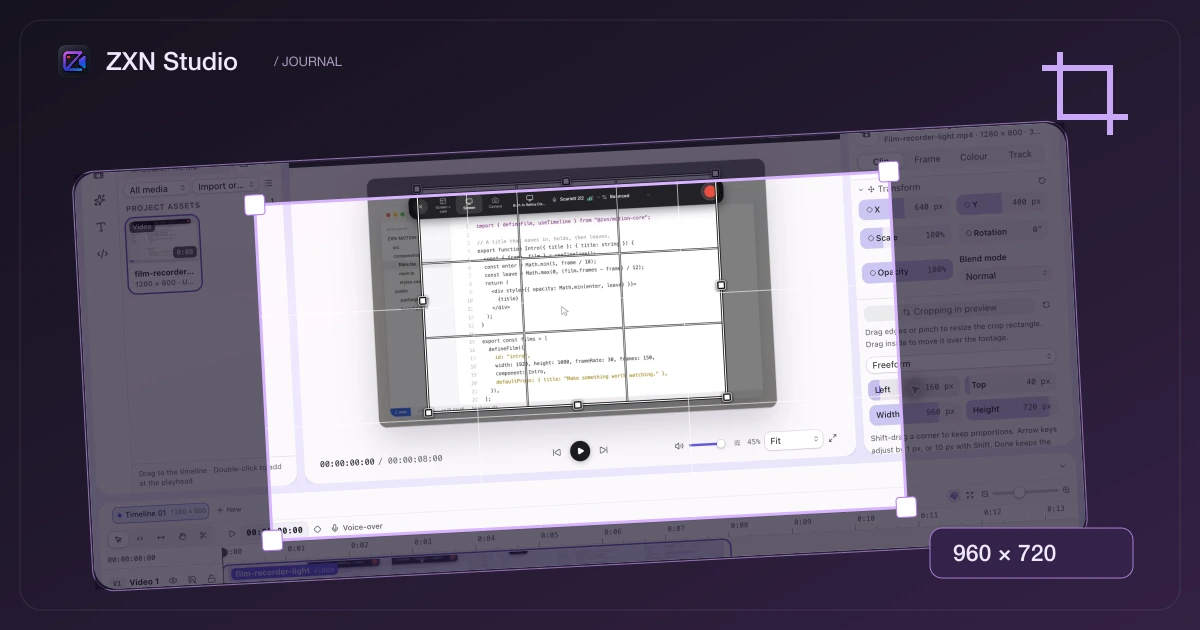
Reframe a screen recording or image without starting again. The new crop tool brings draggable handles, aspect presets and pixel-level control straight into the preview.
Read more
Compare CapCut’s official editing and caption tools with ZXN Studio’s Mac recording and multi-track workflow, using a practical project test.
Read comparison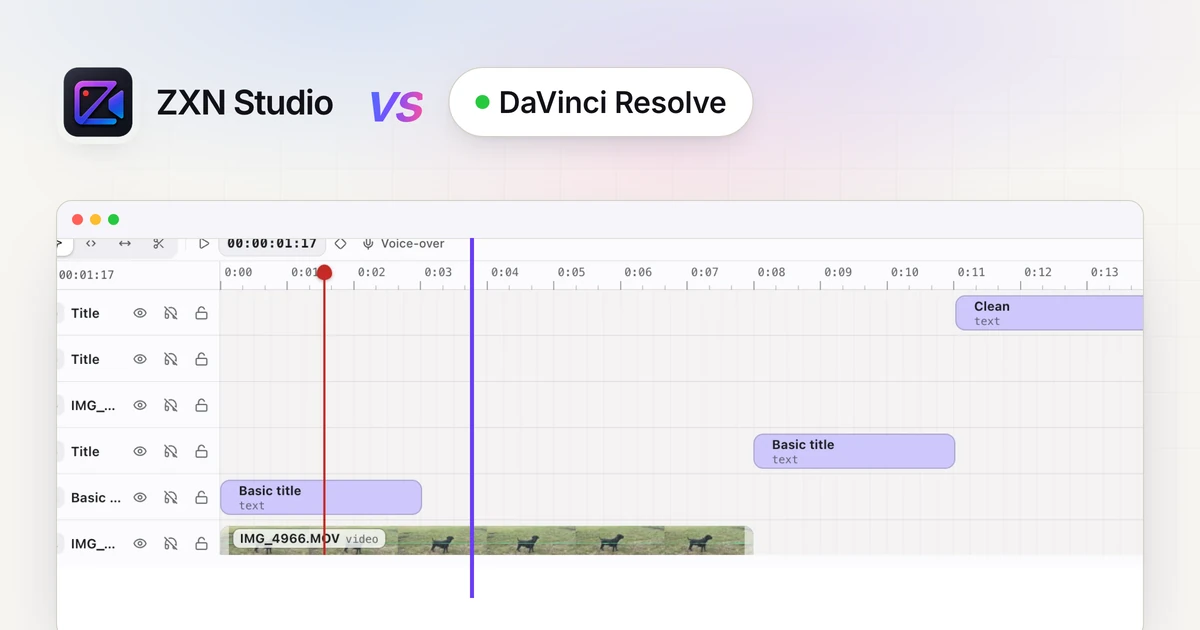
Compare ZXN Studio’s recording-led workflow with DaVinci Resolve’s post-production tools, including free export limits and a practical hand-off test.
Read comparison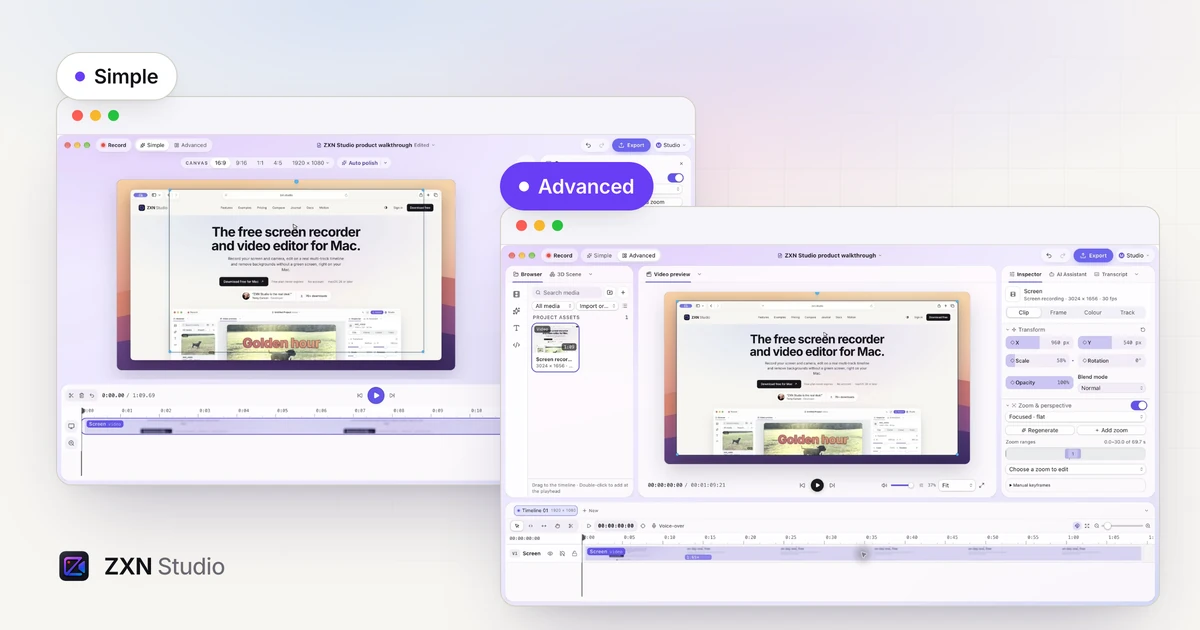
Keep the preview front and center in Simple, or open the full editing workspace in Advanced. Switch layouts while continuing the same project.
Read more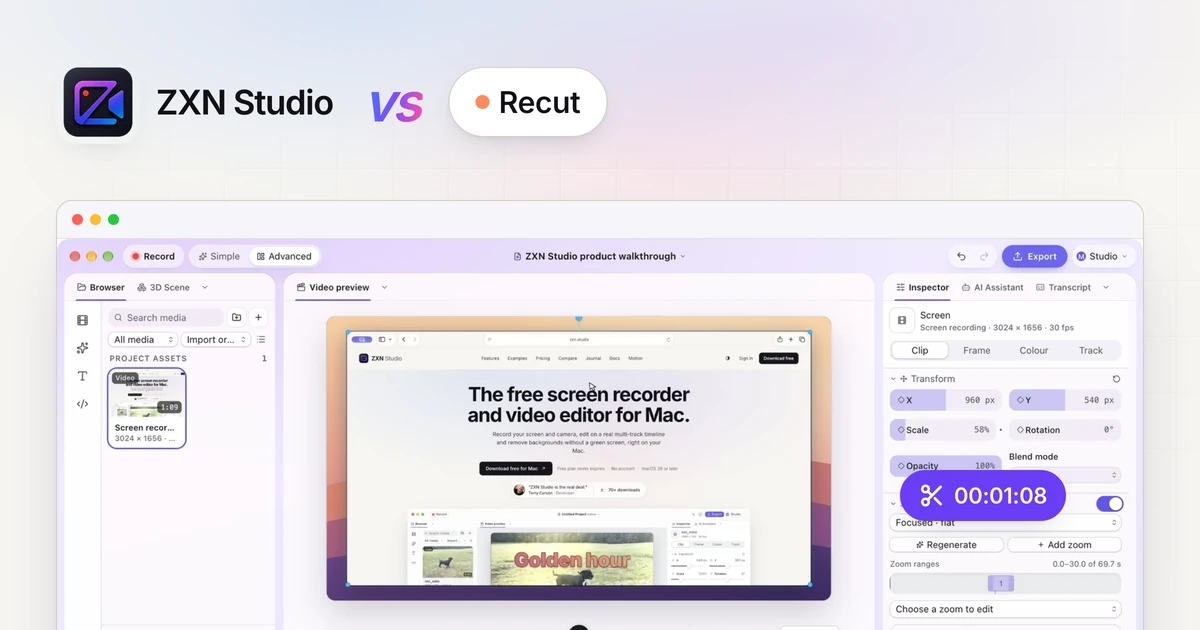
Compare Recut and ZXN Studio for silence removal, recording and visual editing. Review pause controls, project hand-offs and the finished export.
Read comparison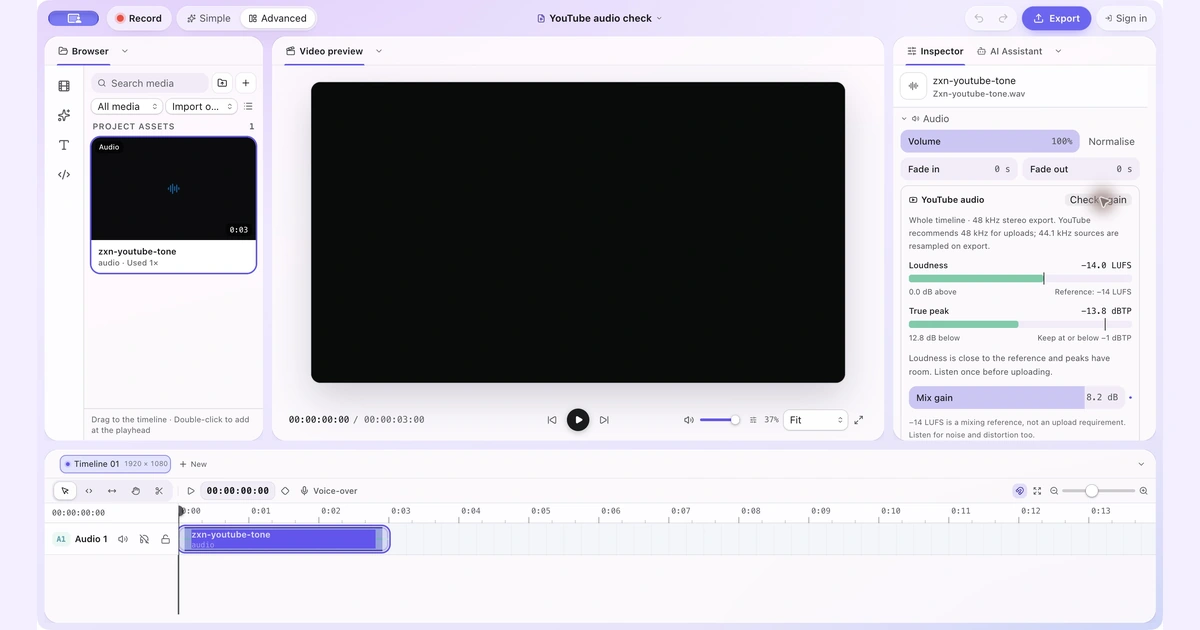
Check your full video mix, understand the -14 LUFS reference and raise quiet audio only when the peaks have room.
Read more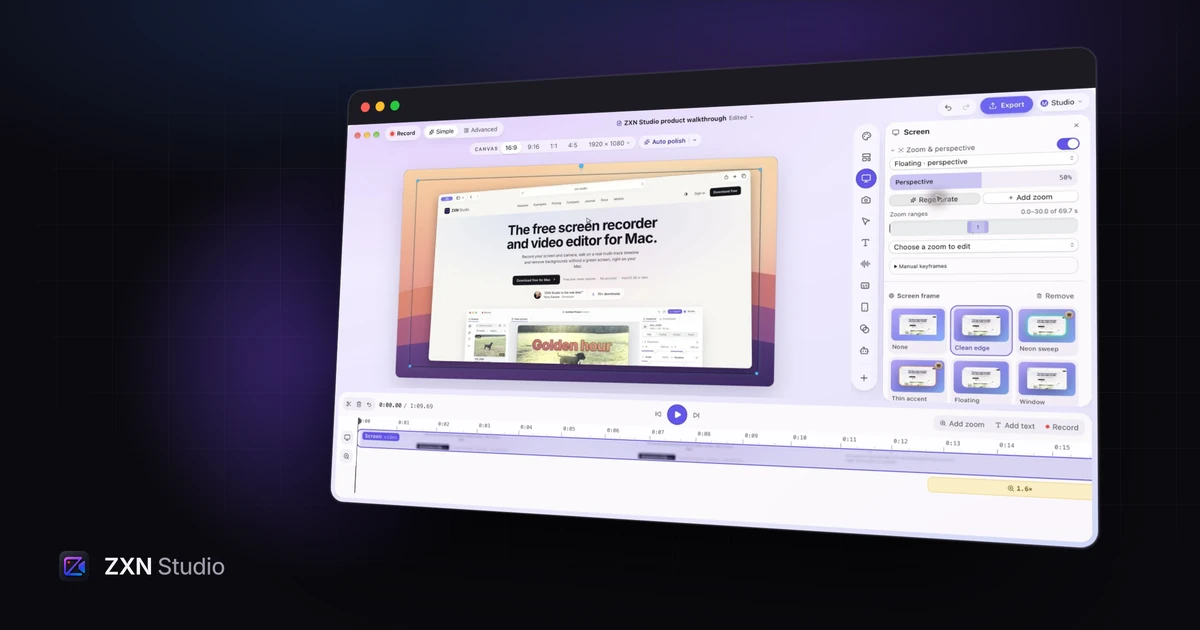
Use Floating perspective in ZXN Studio to give a screen recording depth, then refine the intensity and zoom framing for readable product demos.
Read more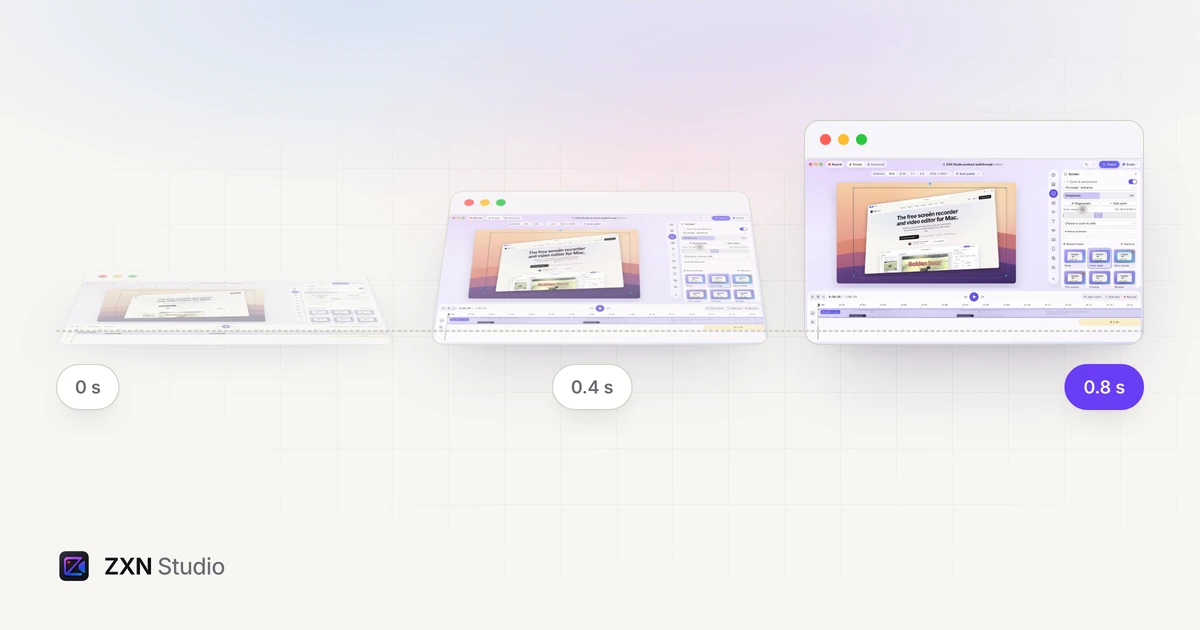
Introduce a screen recording with an angled reveal, control its strength and use manual perspective keyframes when the movement needs precise timing.
Read moreBring your screen, footage, titles and sound together in ZXN Studio.
Download free for Mac