
ZXN Studio documentation.
Learn the editor, record your first take, and get your video ready to share.
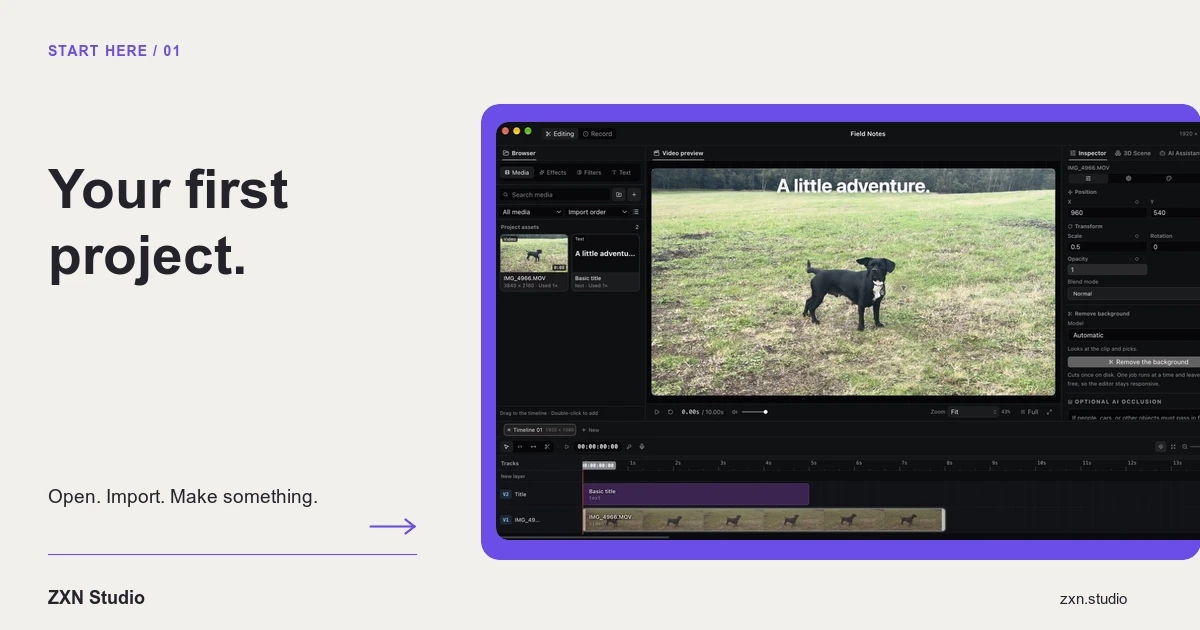
Your first project
Build your first ZXN Studio project: record a short demonstration, edit separate screen and camera clips, add a title and verify your export.
Read guide ↗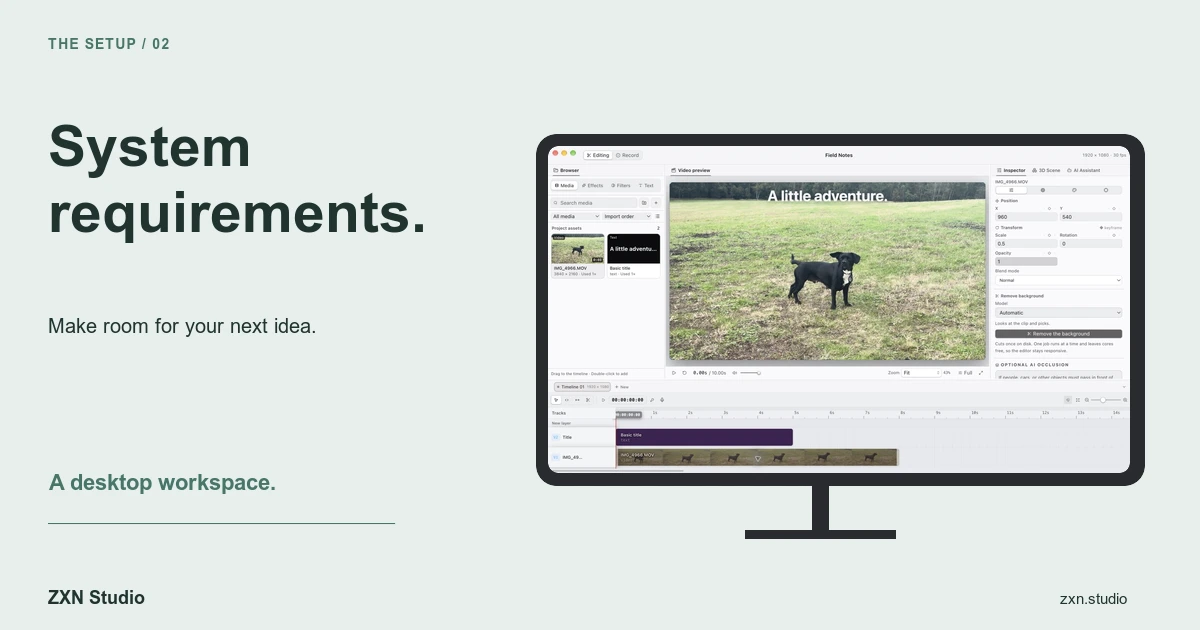
System requirements
Check the macOS recorder requirement, permissions, source media, storage and export needs before committing to a ZXN Studio workflow.
Read guide ↗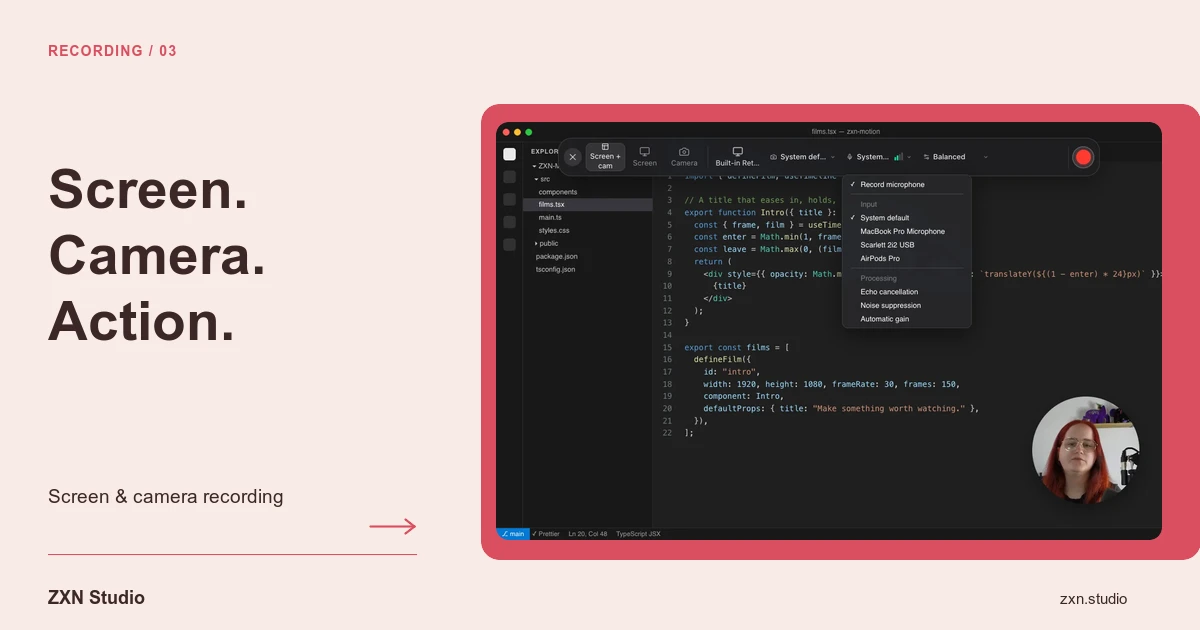
Screen & camera recording
Record screen, camera and microphone on Mac, keep completed sources separately editable and diagnose missing audio before a full take.
Read guide ↗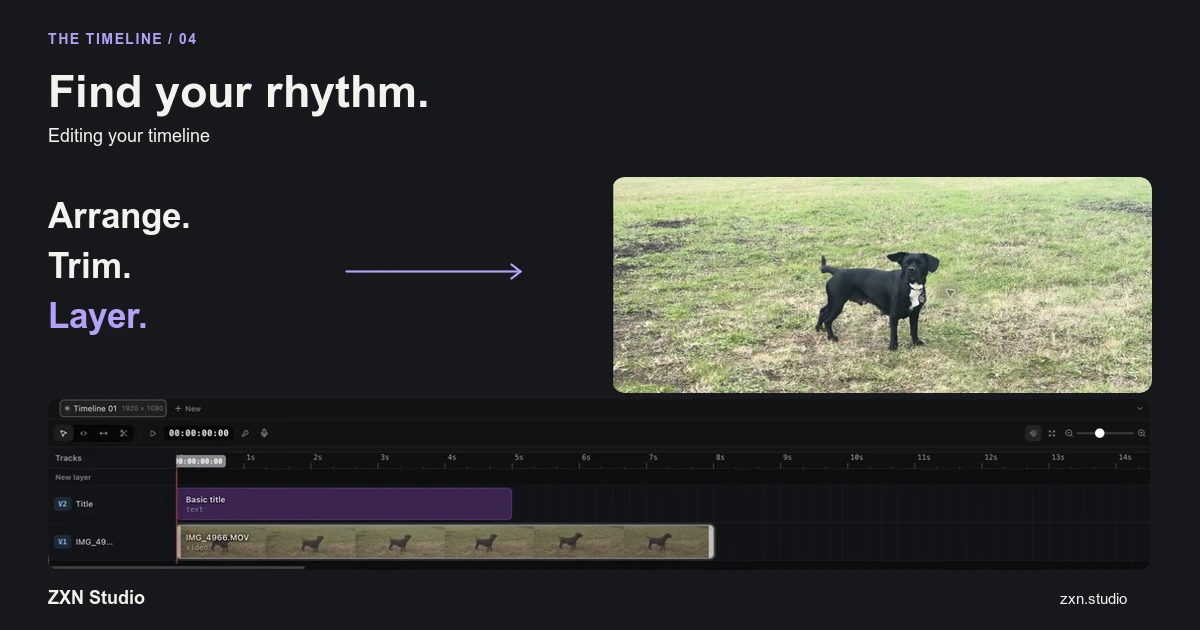
Editing your timeline
Learn a reliable timeline workflow for trims, splits, layers and keyframes, with checks for sync, missing media and exported results.
Read guide ↗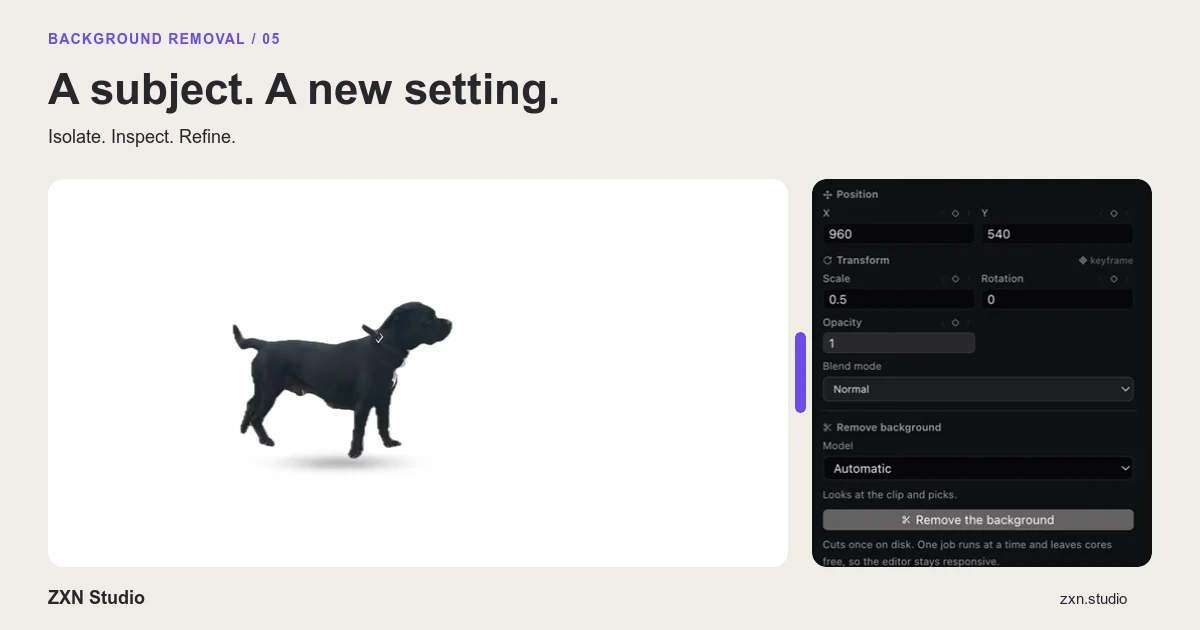
Background removal
Remove a subject’s background locally, choose an appropriate model and correct difficult edges without confusing preview access with export rights.
Read guide ↗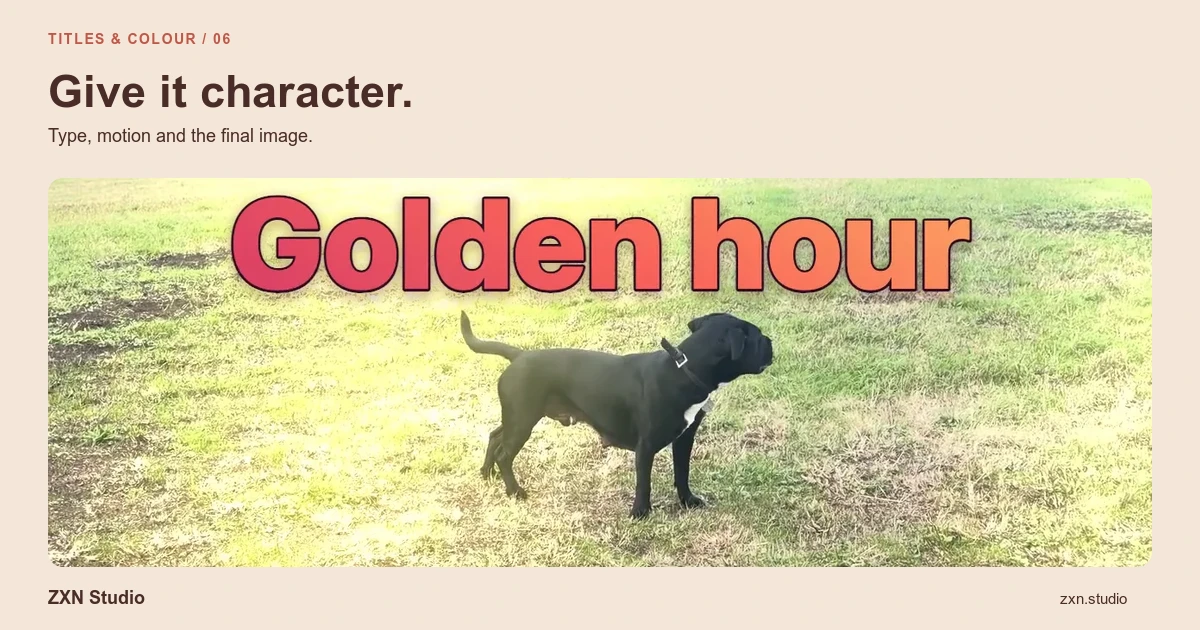
Titles & colour
Create readable titles, balance footage with colour corrections and refine source-backed TSX motion graphics with a delivery-focused review.
Read guide ↗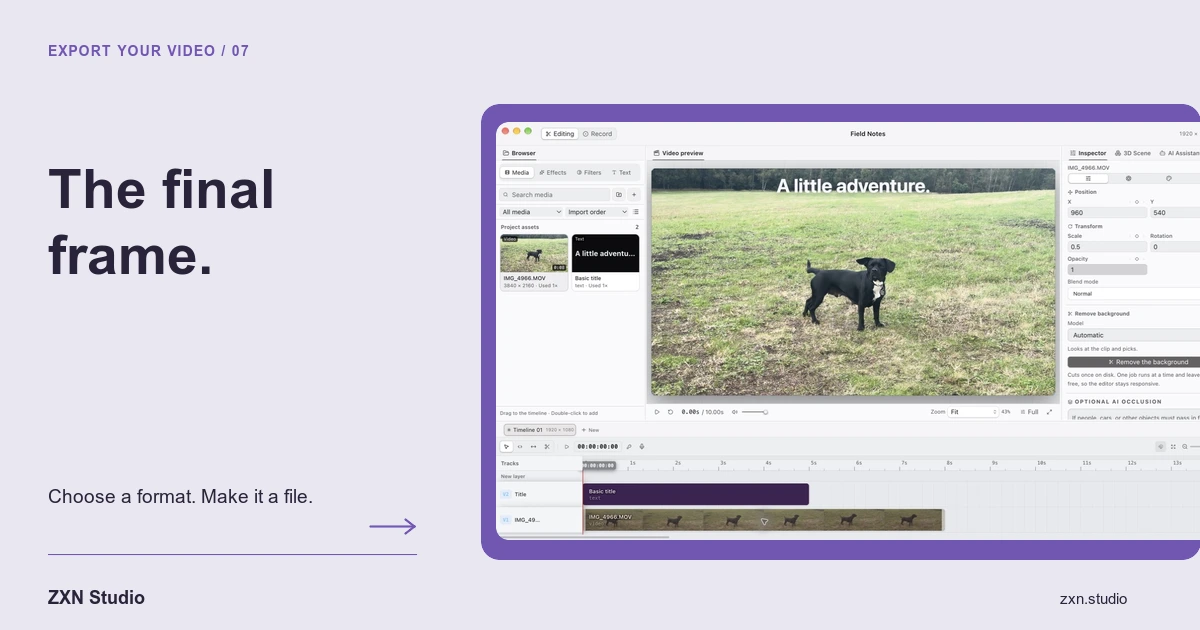
Export your video
Choose an export format, resolve Studio-only clip requirements and verify video, sound and timing in the file your audience will receive.
Read guide ↗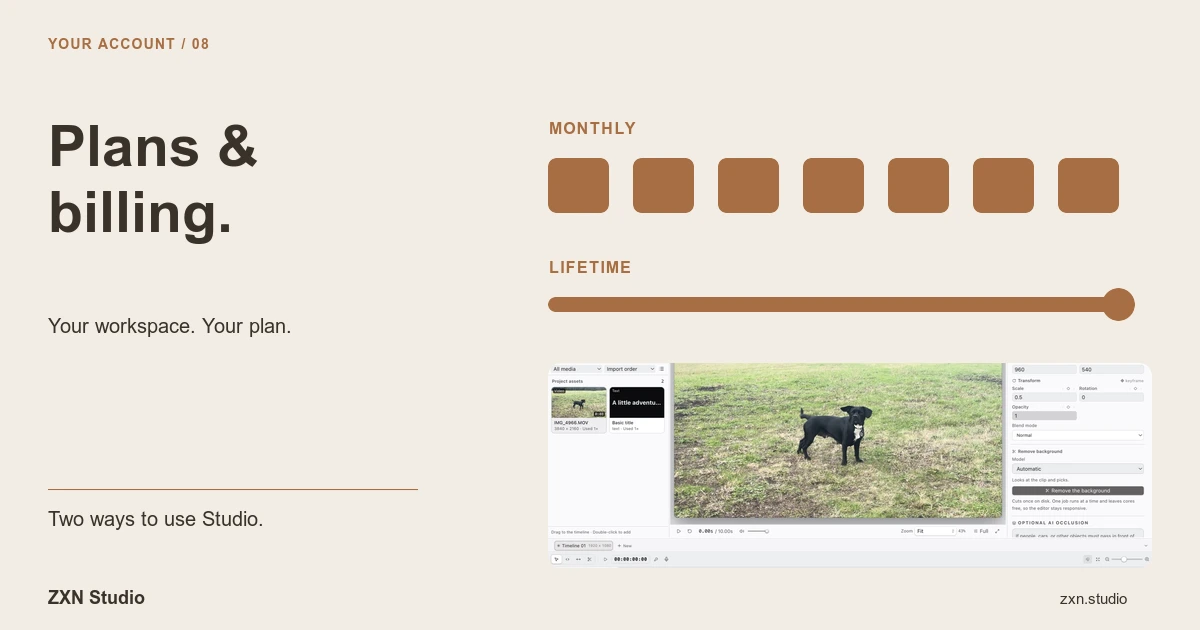
Plans & billing
Understand Free and Studio, monthly and lifetime payments, two-device account access and why a premium preview can still require an upgrade to export.
Read guide ↗