
Your video.
The right tools.
Different editors are built for different jobs. Start with the kind of video you want to make, then compare the workflow.
 01
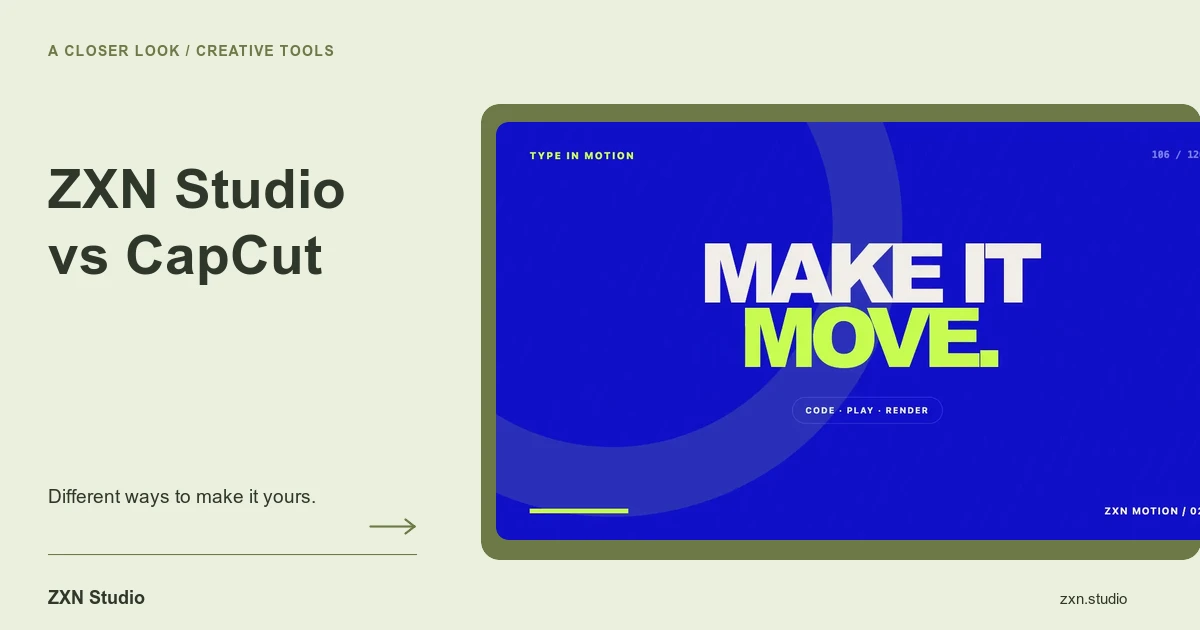
01ZXN Studio vs CapCut
Compare CapCut’s official editing and caption tools with ZXN Studio’s Mac recording and multi-track workflow, using a practical project test.
 02
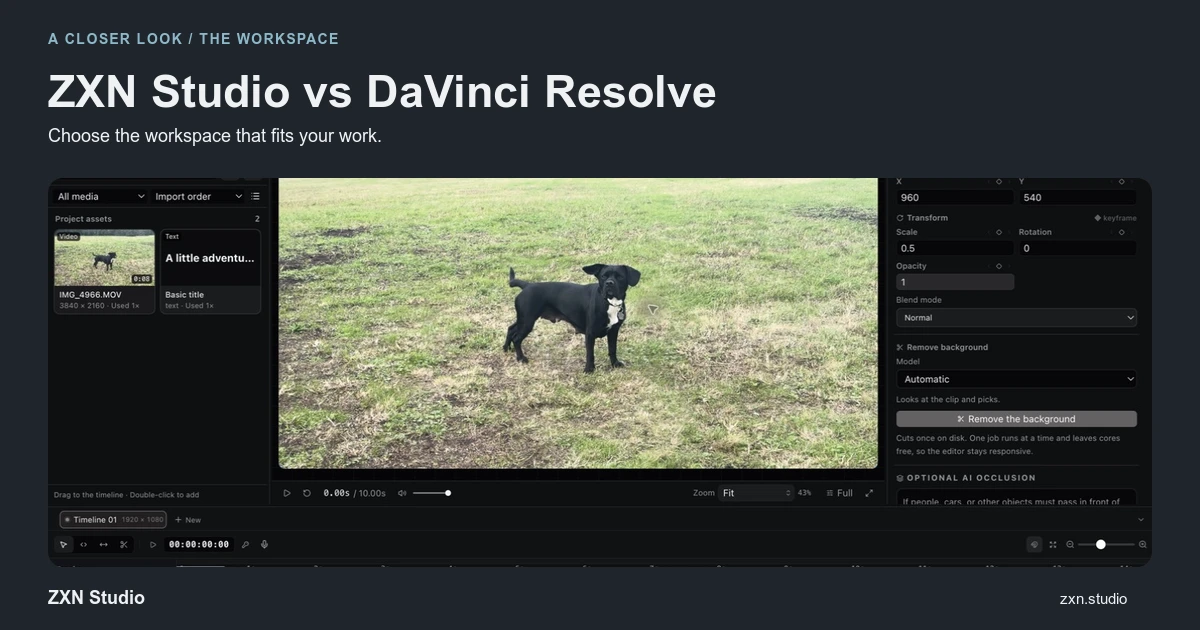
02ZXN Studio vs DaVinci Resolve
Compare ZXN Studio’s recording-led workflow with DaVinci Resolve’s post-production tools, including free export limits and a practical hand-off test.
 03
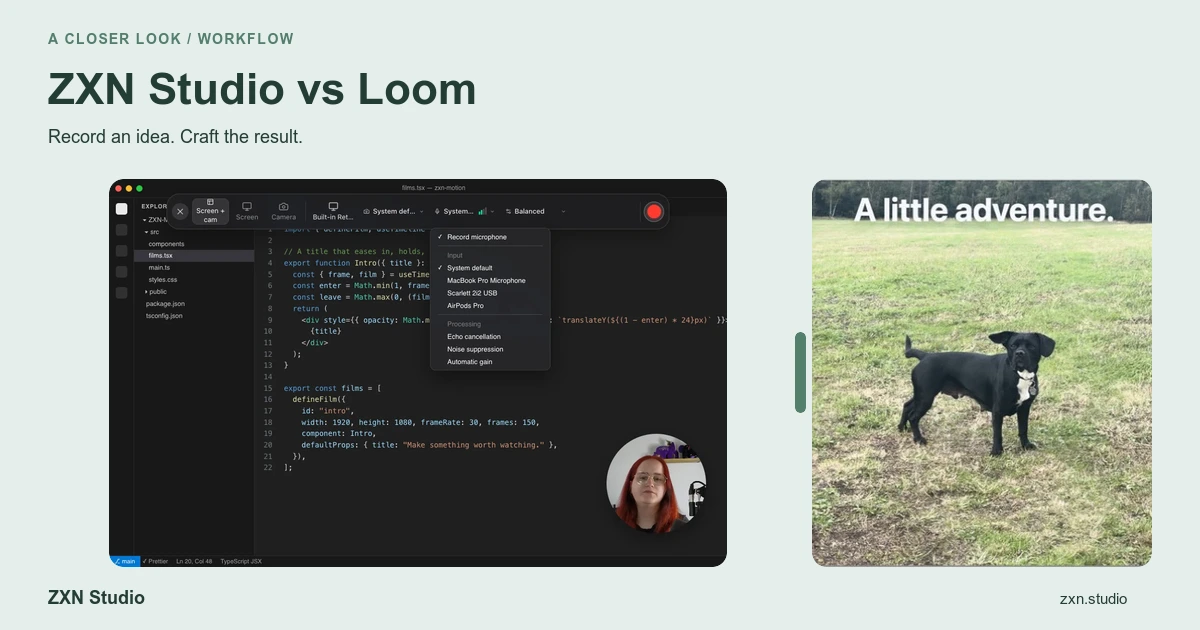
03ZXN Studio vs Loom
Compare Loom’s video-message and sharing workflow with ZXN Studio’s editable Mac recordings, creative timeline and file-based delivery choices.
 04
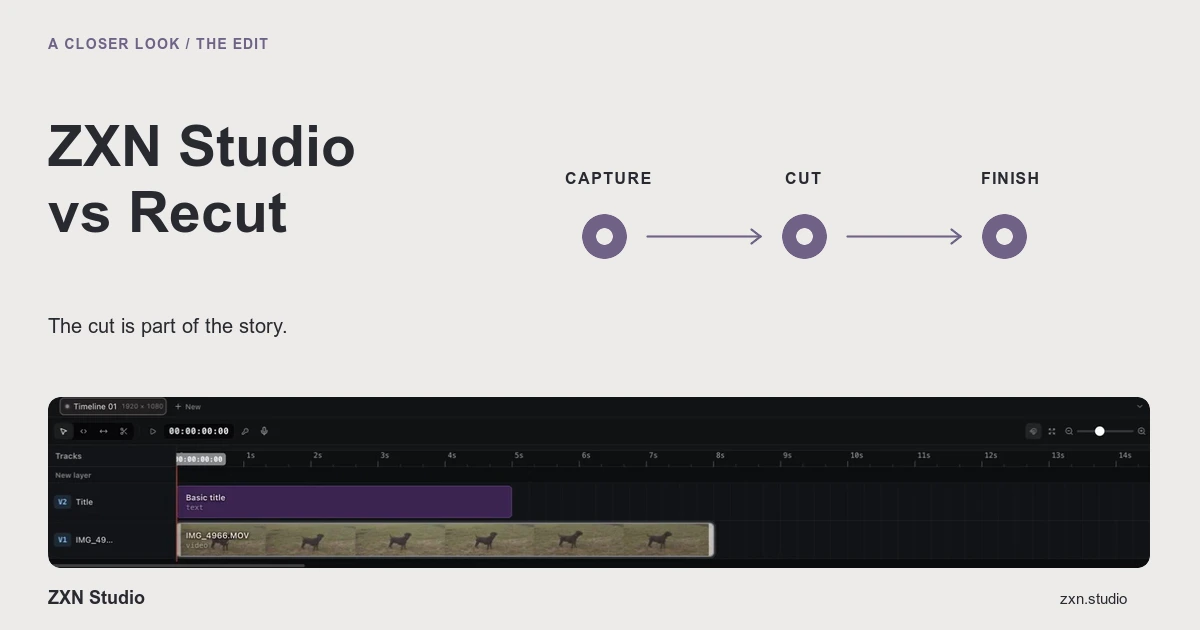
04ZXN Studio vs Recut
Compare Recut’s automatic silence-removal role with ZXN Studio’s recording and creative editing workflow, including pauses, hand-offs and export checks.
 05
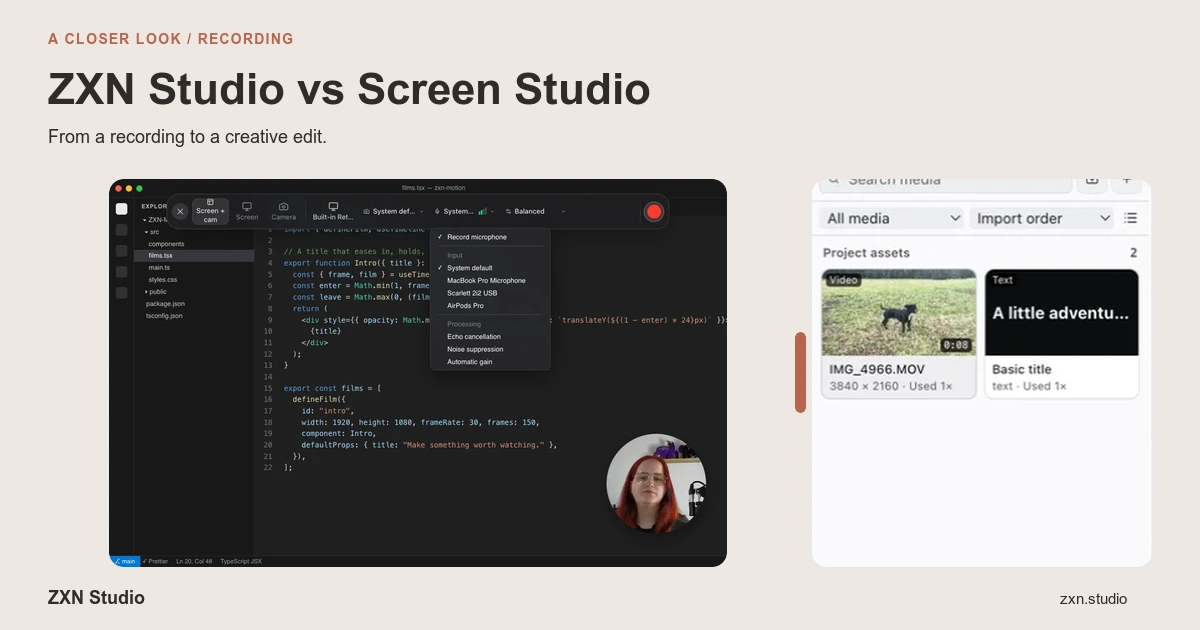
05ZXN Studio vs Screen Studio
Compare Screen Studio’s automatic recording polish with ZXN Studio’s multi-track control, including Mac audio capture, requirements and export checks.
A recorder. An editor.
Room to create.
Bring your screen, footage, titles and sound together in ZXN Studio.
Explore Studio plans ↗